
Stickman Fighter 3D
Stickman Fighter 3D: Arcade and 2-Player Stick Fights
Stickman Fighter 3D takes the classic stickman brawl and moves it into a three-dimensional arena. Two stick fighters face off in a lit, walled room, trading punches, kicks, and flying jump attacks while glowing power-up orbs appear mid-fight to swing the battle. It is quick to pick up, satisfying to master, and one of the few browser fighting games that lets two people fight on the same keyboard.
You can play Stickman Fighter 3D online for free on this page with no download. This guide walks through the three game modes, the full control layout for both players, how the power-up orbs work, and the tactics that help you clear all 15 arcade levels.
What Is Stickman Fighter 3D?
Stickman fighting games are popular because they strip combat down to movement, timing, and hits. Stickman Fighter 3D keeps that simplicity but adds depth to the arena. The fighters move inside a 3D room, so you can approach from different angles rather than only left and right. Physics give each hit weight, and the camera keeps both fighters in view.
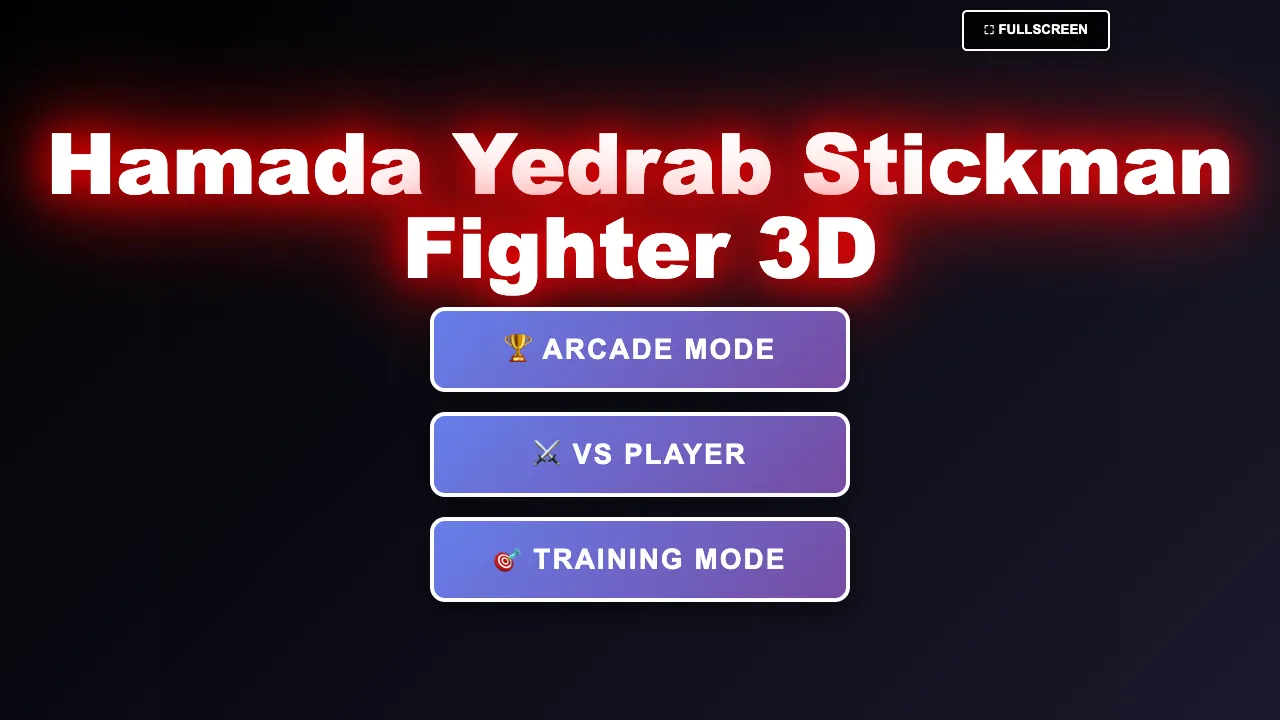
The in-game title screen calls the game Hamada Yedrab Stickman Fighter 3D. Its feature list highlights fluid physics, combos, flying kicks, and dodging in a dynamic 3D arena.
Game Modes
The main menu has three buttons:
- Arcade Mode: battle through 15 levels against AI opponents that become smarter as you progress.
- VS Player: a 2-player versus mode for two people on the same computer.
- Training Mode: practise your movement and attacks without the pressure of a real match.
Choosing Arcade Mode opens a Select Level screen with buttons numbered 1 to 15. The final levels are highlighted in red to show they are the toughest challenges. A Back button returns you to the menu.
Stickman Fighter 3D Controls
Player 1 (left side)
- W, A, S, D: move.
- F: punch.
- G: kick.
- Spacebar: jump.
Player 2 (right side)
- Arrow keys: move.
- K: punch.
- L: kick.
- Right Shift: jump.
General
- Esc: open the pause menu.
A Fullscreen button sits at the top of the screen, which is worth using for a larger view of the arena.
Reading the Fight Screen
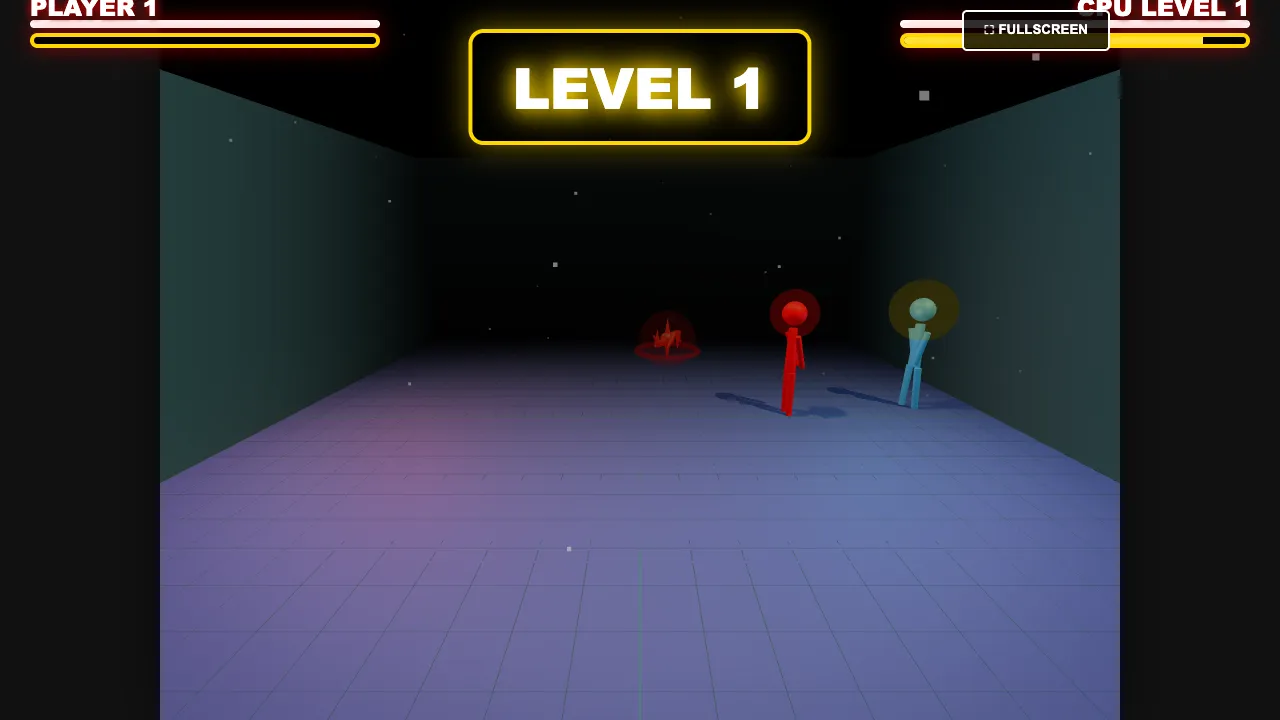
Each match starts with a large level banner, such as Level 1, at the top center. Player 1's health bar sits in the top-left corner and the CPU opponent's bar sits in the top-right, labelled with its level. Watch both bars after every exchange. They tell you whether to press forward or play safe.
Power-Up Orbs
The most distinctive feature of Stickman Fighter 3D is the floating orbs that spawn during a fight. Each color grants a different temporary boost:
- Red orb: Double Damage. Your hits deal twice as much damage.
- Blue orb: Super Speed. You move faster, which helps both attack and escape.
- Green orb: Health Restore. Recovers some of your health.
- Yellow orb: Invincibility. Briefly protects you from damage.
Orbs change the flow of a match. A player who is behind can steal a green orb to recover, while a player who is ahead can grab a red orb to close the fight. Always keep one eye on the arena for new orbs.
Combat Fundamentals
Punch to control, kick to punish
Punches are generally your quickest option. Use them to stop an opponent who is walking forward. Kicks reach a little farther and are good for punishing an opponent who misses.
Use jumps and flying kicks
Jumping with Space (or Right Shift for Player 2) lets you leap over low attacks and come down with a flying kick. It is a strong way to approach, but a jump commits you in the air, so do not jump straight into a ready opponent every time.
Dodge by moving
Because the arena is 3D, moving sideways can make an opponent's attack miss. Combine sideways movement with a quick counter to win exchanges without taking damage.
Build simple combos
Chain a punch, another punch, and a kick for a short combo. Simple combos you can land reliably are worth more than long ones you only land sometimes.
Arcade Mode Strategy
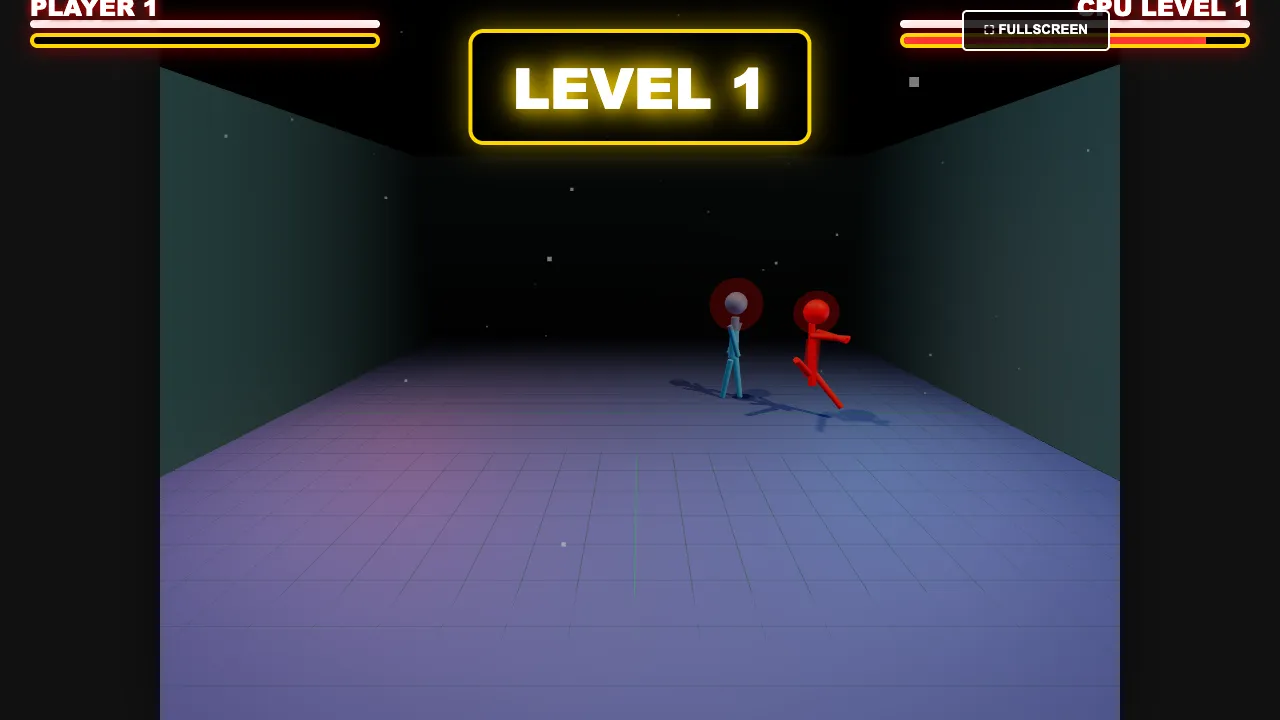
Arcade Mode's 15 levels ramp up in difficulty, and the AI gets smarter as you climb. These tips help you keep winning:
1. Learn in the first levels. Use Levels 1 to 5 to find a rhythm with punches, kicks, and jumps.
2. Prioritize orbs. Grab red and green orbs when they appear. Deny them to the CPU when you can.
3. Do not over-jump. Later AI opponents punish predictable jumps. Mix ground attacks with jumps.
4. Fight in the open. Getting pinned against a wall limits your movement. Move back to the center when you can.
5. Use Training Mode. If a level stops you, practise there before trying again.
Using Training Mode Well
Training Mode is easy to skip, but it is the fastest way to improve. Use it to answer a few practical questions before you return to Arcade Mode. How far does your kick reach compared with your punch? How long are you in the air after a jump, and where do you land? How many punches can you throw before the opponent can react? Spending five minutes on these details pays off in the later levels, where a single misjudged jump can cost a round.
A useful routine is to practise one pattern at a time. First, walk forward and throw a punch at the edge of your range. Then try punch, punch, kick as a short combo. Finally, practise a jump into a flying kick followed by a ground punch. When each pattern feels automatic, combine them in a real match.
Reading the CPU Opponent
The AI in Arcade Mode becomes smarter as you advance, but every opponent still has habits. Some rush forward and swing constantly. Others wait near the walls and counter. Spend the first few seconds of every level watching instead of attacking. If the CPU rushes, step aside and punish. If it waits, approach slowly and make it commit first. Adjusting to each opponent is how you reach the red-highlighted final levels.
Playing VS Player with a Friend
VS Player turns the game into a couch-style party fighter in your browser. Player 1 uses the left side of the keyboard and Player 2 uses the right. Agree on a few rounds, fight for the orbs, and swap sides now and then. Because both players share one keyboard, quick rounds and simple controls make it easy for anyone to join.
Stickman Fighter 3D FAQ
Is Stickman Fighter 3D free?
Yes. You can play Stickman Fighter 3D online for free in your browser on this page.
Can two people play Stickman Fighter 3D?
Yes. VS Player mode supports two players on the same computer, with separate keys for each side.
How many levels are in Arcade Mode?
Arcade Mode has 15 levels with increasingly smart AI opponents.
What do the colored orbs do?
Red gives double damage, blue gives super speed, green restores health, and yellow gives invincibility.
How do I pause the game?
Press Esc to open the pause menu.
Stickman Fighter 3D blends simple controls with smart power-ups and a true 3D arena. Master punches and kicks, use jumps carefully, fight for every orb, and bring a friend for VS Player. Fifteen arcade levels are waiting.